
“Do I seriously have to pick a date, select a time, and key in a title just to set a single schedule?”
Jotting down events on a calendar isn't hard. However, when things get busy, even this brief process can feel like a real chore.
Dearworks initiates scheduling not from an input form, but from a natural sentence.
We had to enter way too much information for just one schedule
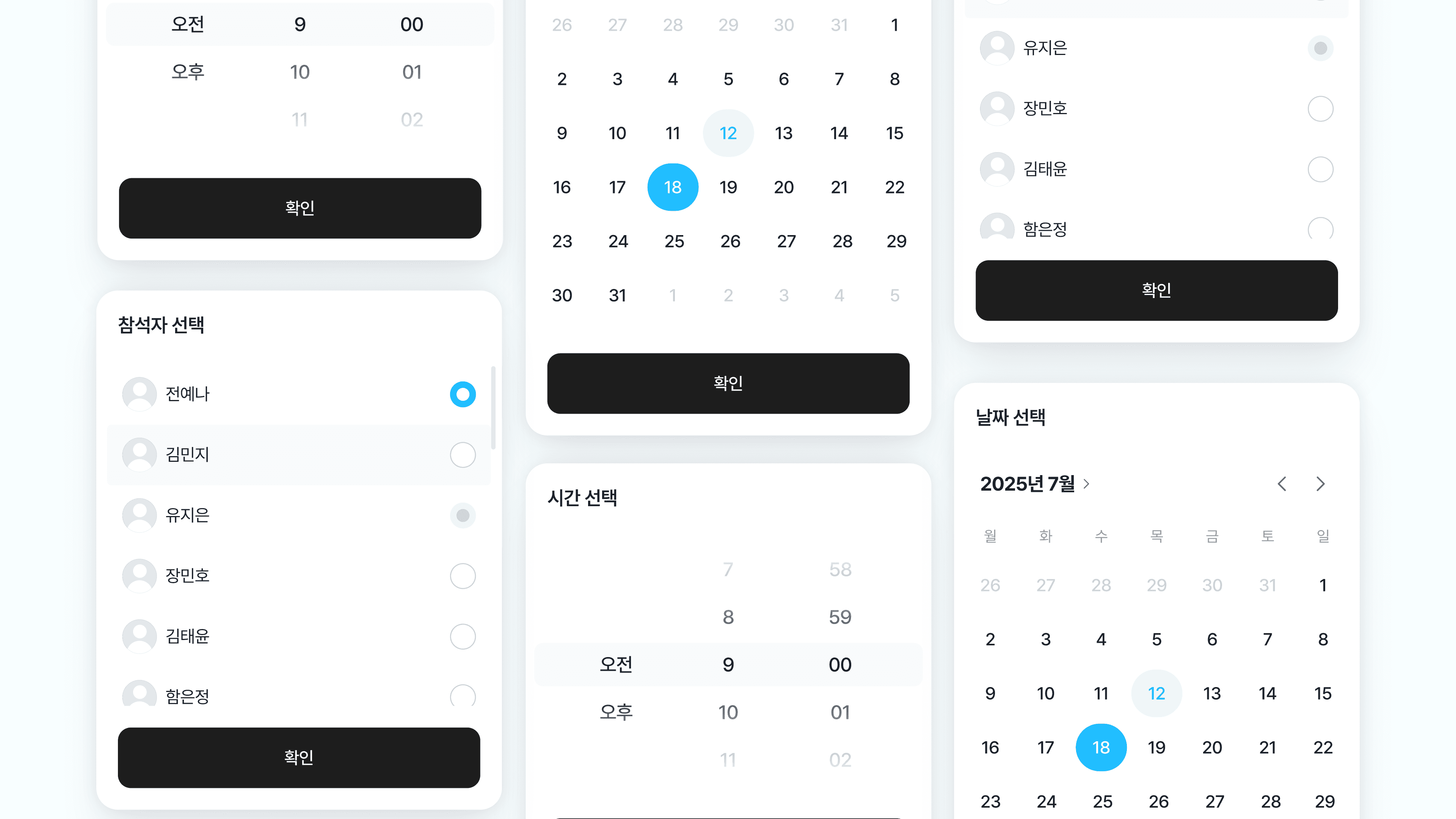
To add an event on a standard calendar, you must first find the date.
Select a start and end time, and write in the title of the schedule.
You even have to confirm the details and click the save button before a single event is finally created.
For instance, let's say you're scheduling a design team meeting for next Tuesday at 2 PM.
In your head, the plan is already organized into a single sentence.
Design team meeting next Tuesday at 2 PM
However, on the calendar, you have to break down this simple sentence into multiple input fields.
Date: Next Tuesday
Time: 2:00 PM
Title: Design team meeting
This means you're going through a process of splitting a plan you already know back into date, time, and title.
Just write it out like you're speaking on Dearworks
With Dearworks, you don't have to fill out every single input field on the calendar.
Simply write down your schedule in the AI chat window just as you would normally speak.

I'm going to have a daily meeting video conference with Dear Kim tomorrow at 2 PM
There's no need to memorize any special sentence structures either. Just write the date, time, and event name sequentially and naturally.
The AI will read the date and time on its own
Dearworks identifies the details needed for the schedule within the input sentence.
It interprets 'next Tuesday' as the date, '2 PM' as the time, and 'design team meeting' as the event title.
Users don't need to open calendar pickers or manually adjust the time.
If you write down the schedule as it is in your head as a sentence, Dearworks will organize it into a calendar event for you.
The sentence may be just a single line, but it automatically categorizes the necessary details for the schedule.

A single line of text becomes a calendar event
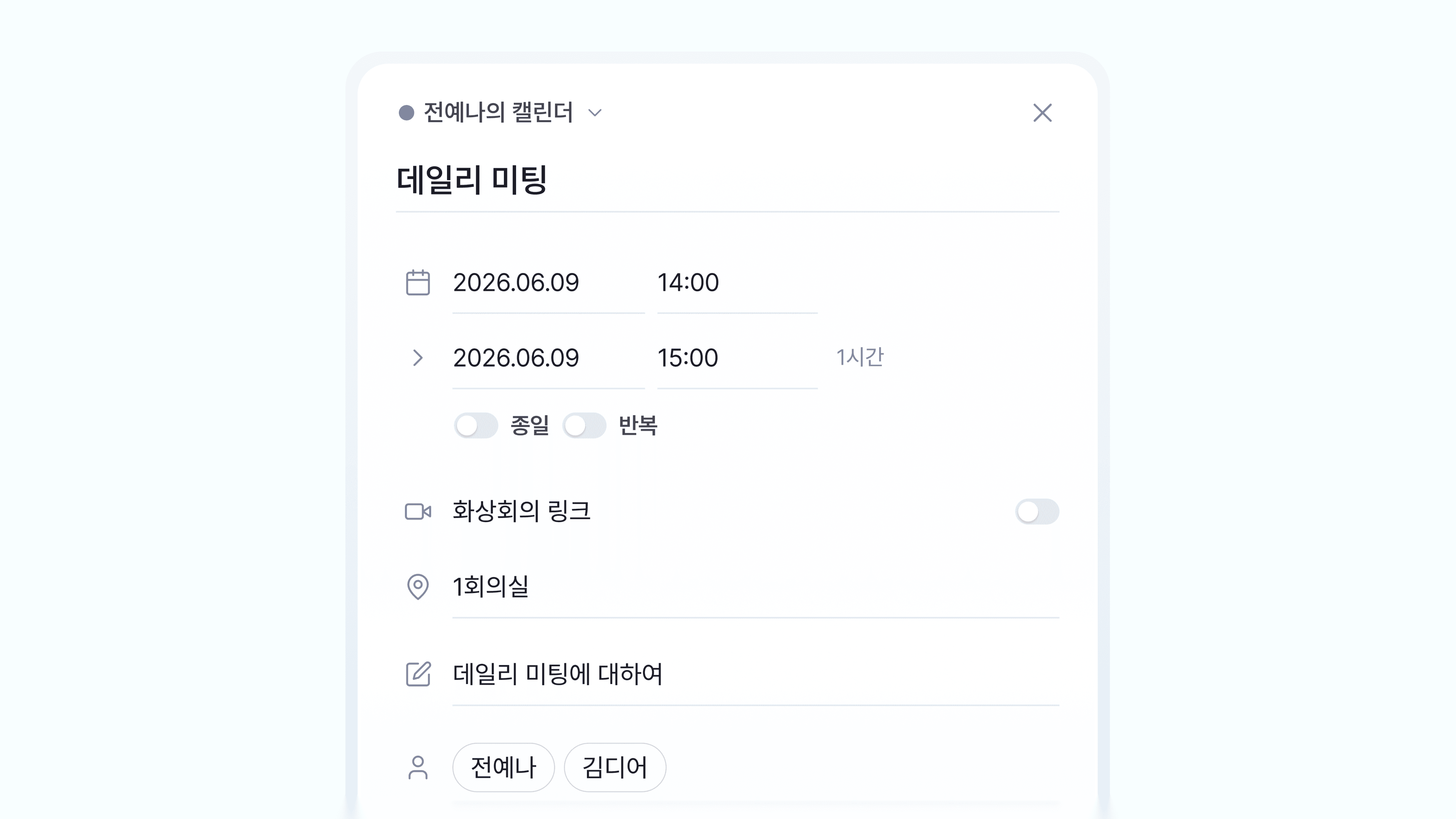
Schedules entered in natural language are registered in the Dearworks calendar.
There is no need to switch screens back and forth or press multiple options in sequence just to log a schedule.
The Traditional Way
Select Date → Select Time → Enter Title → Confirm Details → Save
Dearworks
Type a Sentence → Schedule Created
Tasks that required multiple steps of input are completed in just one sentence.
Focus more on the event itself, rather than logging it
The purpose of using a calendar isn't to fill in input boxes.
It is to keep track of appointments and check tasks to be done on time.
A good scheduling tool should minimize the user's workload during the recording process.
Instead of seeking out dates, inputting times, and writing titles separately, just tell Dearworks about your schedule.
“Set up a design team meeting for next Tuesday at 2 PM.”
This single sentence is more than enough.
Log your schedule much faster using Dearworks' natural language scheduling.