
"Where is that file?" Ask AI directly
"Where did I save the proposal I received last time?"
It's definitely a document you received, but there are times when you can't remember the exact title or file name. Searching through emails, opening folders, and checking recent documents can take a lot more time than you think just to find one piece of information.
With Dearworks, you don't need to go searching around. Just ask AI what you remember.
Whether it's an email, a schedule, a folder, or a document, it will find the necessary material based on the work context connected to Dearworks.
Ask AI directly from the screen you are currently on
Dearworks AI is not a feature confined to a separate screen.
Whether you are checking emails, viewing your schedule, or writing a document, you can open AI directly from the top right. You don't have to stop what you are doing or switch to another AI tool.
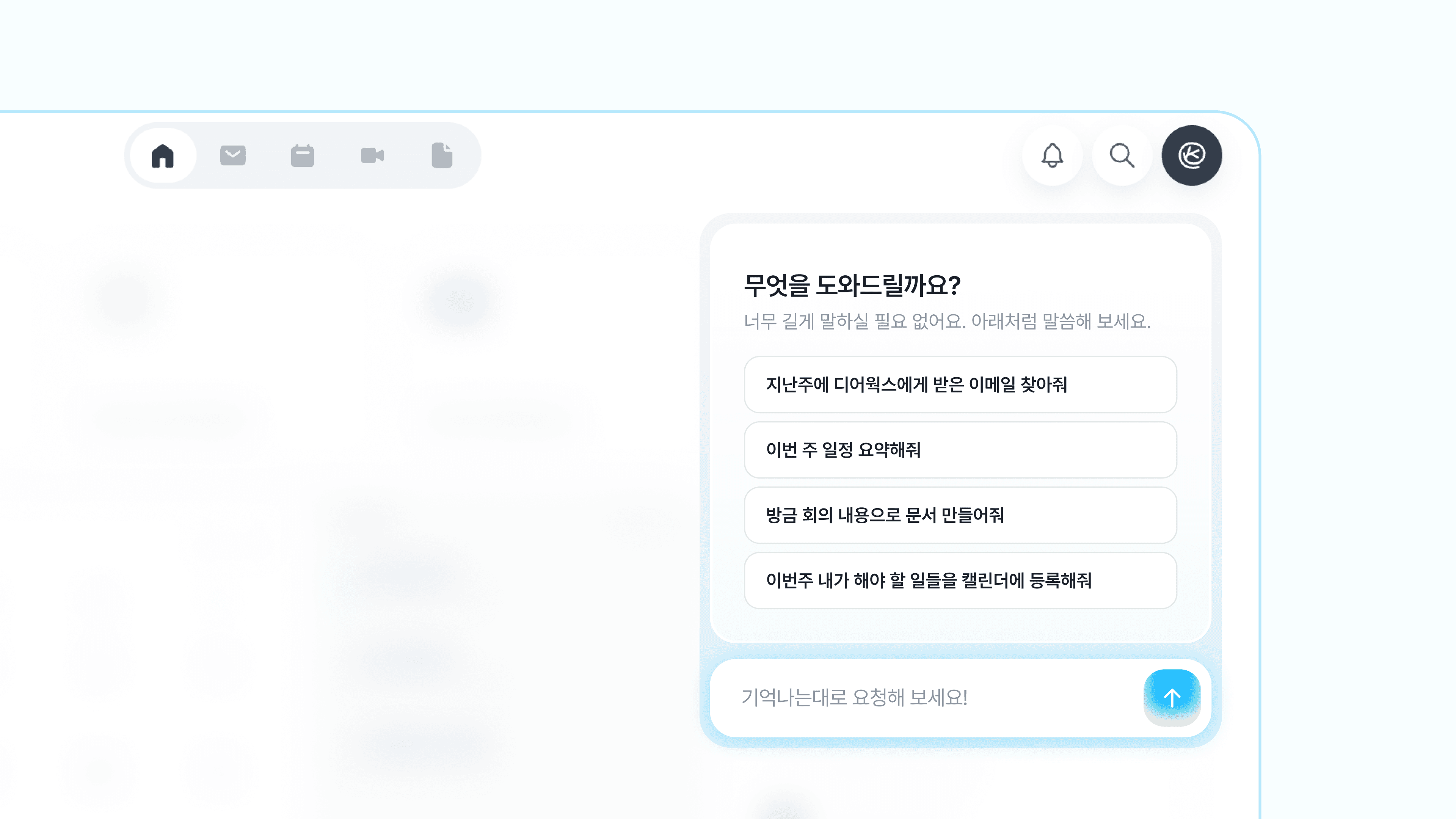
For example, you can ask this while looking at the schedule screen:
"Find the email where Eunhak Jang sent the KakaoTalk link."
You can continue your work immediately while keeping the current screen.
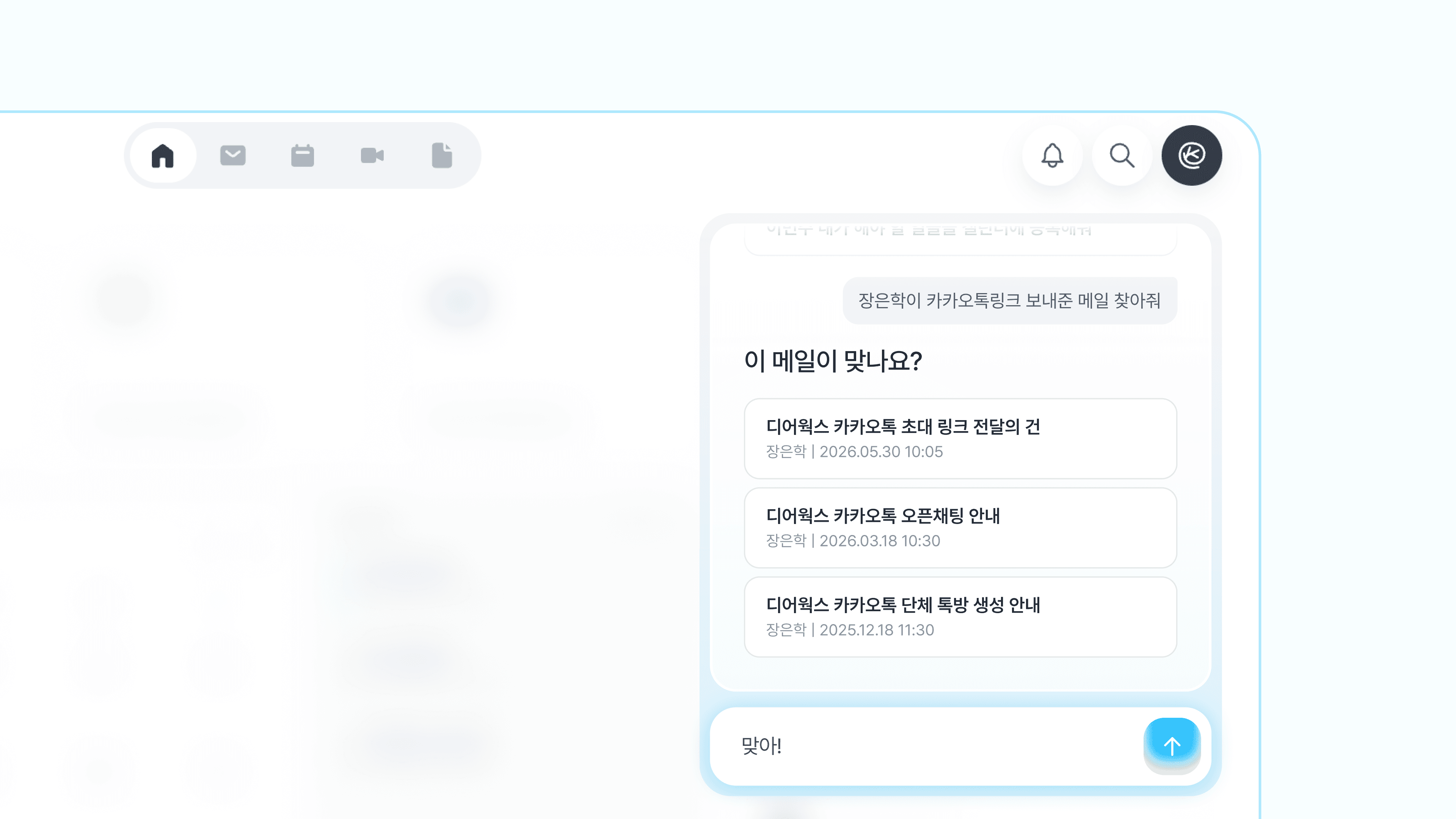
Whether it's an email or a schedule, it knows everything
A typical search looks for results that match the keywords entered by the user. Therefore, if you don't remember the exact title or file name, it is difficult to find the desired material.
Dearworks AI looks at the work context connected to emails and schedules together.
It understands the relationships between information, such as who sent the email, which meeting it was mentioned in, and which project the material is related to. That's why users don't have to explain the background from scratch or copy and paste related content.

Find it whether it is in an email, folder, or document
Work materials are not stored in just one place.
Materials sent by clients are in emails, files created by the team are in folders. Past meeting notes remain in documents, and the next schedule is on the calendar.
Dearworks AI finds materials based on how they are connected in your work rather than where they are saved.
Attachments received in emails
Proposals and contracts saved in folders
Documents written after meetings
Related materials linked to schedules
You don't have to check multiple screens one by one; you can find the materials you need in one place.
Even if you don't know the title, you can find it by context
You don't have to worry about the exact search terms. Just ask the way a person remembers things.
"Find the email where Eunhak Jang sent the KakaoTalk link."
"Find the file shared in last week's design meeting."
"Show me recent documents related to the Dearworks contract."
Dearworks AI shows relevant results based on the people, conversations, schedules, and projects in the question.
If there are multiple results, you can compare titles, file formats, etc., to select the desired material.
You don't need to know the title; remembering the context is enough.
Create document drafts with the found content
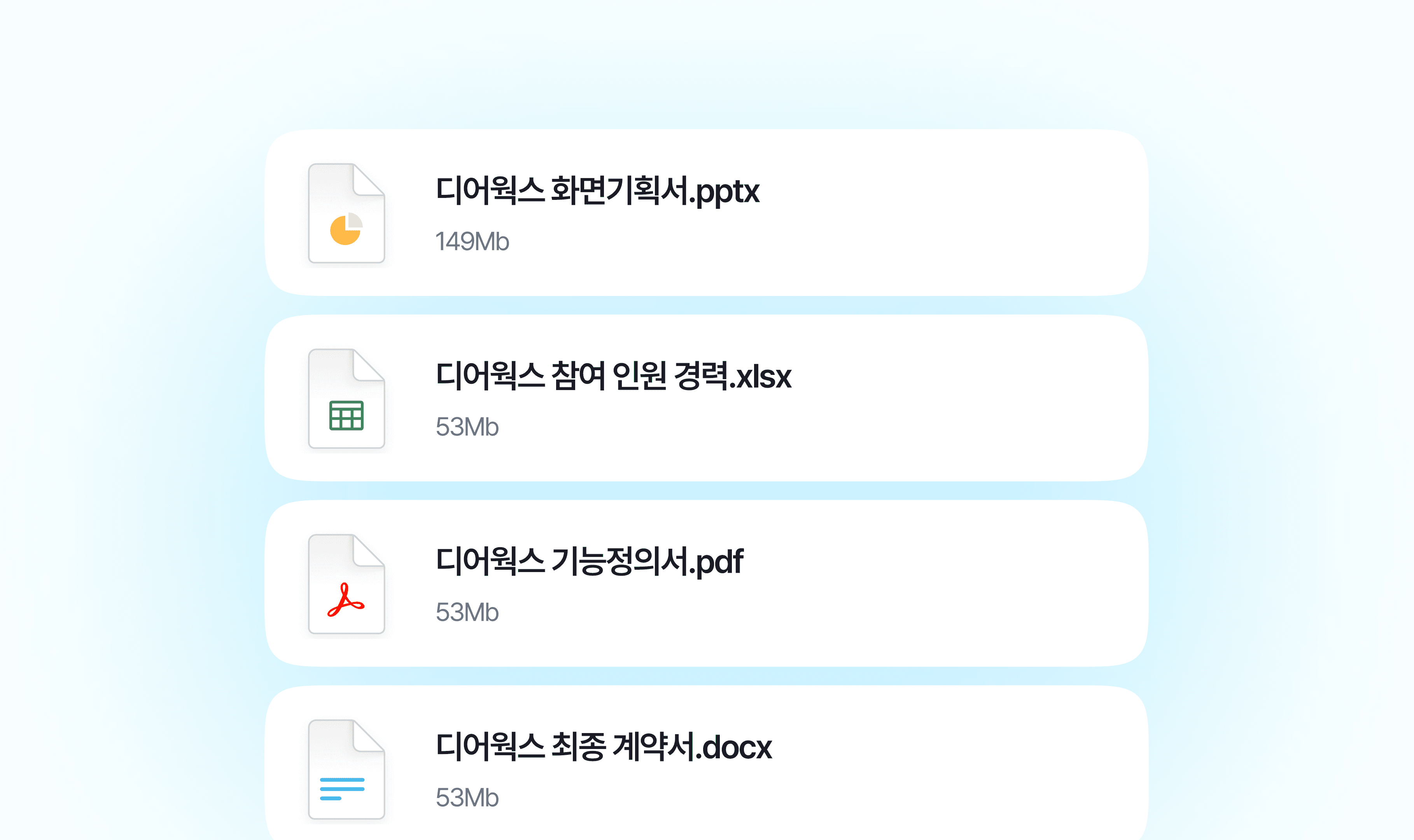
There is no need to reorganize after finding the material.
Dearworks AI creates a new document draft based on the found emails, files, schedules, and previous documents.
Gathering related materials to draft a proposal
Writing meeting minutes based on past meetings
Summarizing project progress
Creating documents for decisions made and next steps
You can continue directly within Dearworks without the process of finding materials, moving to another AI tool, and pasting them back into a document.
Don't worry about where that file is.
From finding things to creating documents, ask Dearworks AI directly.